

What is this article about? (TL → DR)
Most people use AI like a search box. They ask one thing, then close the tab.
A few people do more. They build AI “employees” that do the same work every day.
An AI employee is a setup you create once. It learns your voice, your job, and your rules.
Four are worth building first: one for writing, one for research, one for meetings, and one for your own job.
You can build the first one this week. No code. The free kits and a free live class are at the bottom.
Want to build one live with me, for free?
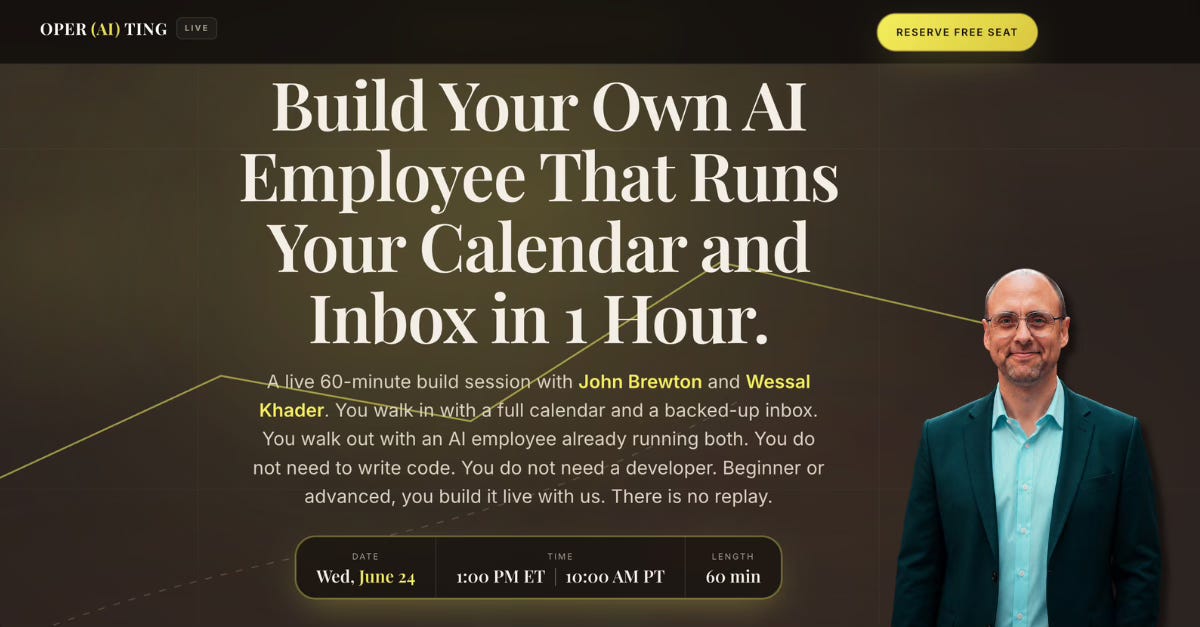
Register for my free Masterclass on June 16th, where I will teach you how to build your own AI Employee that runs your calendar and inbox! Register Here
A free 60-minute live class with me and Wessal Khader. You come in with a full calendar and a packed inbox. You leave with an AI employee that runs both, and the way to build the next 10. No code. No replay.
What is the difference between using AI and operating it?
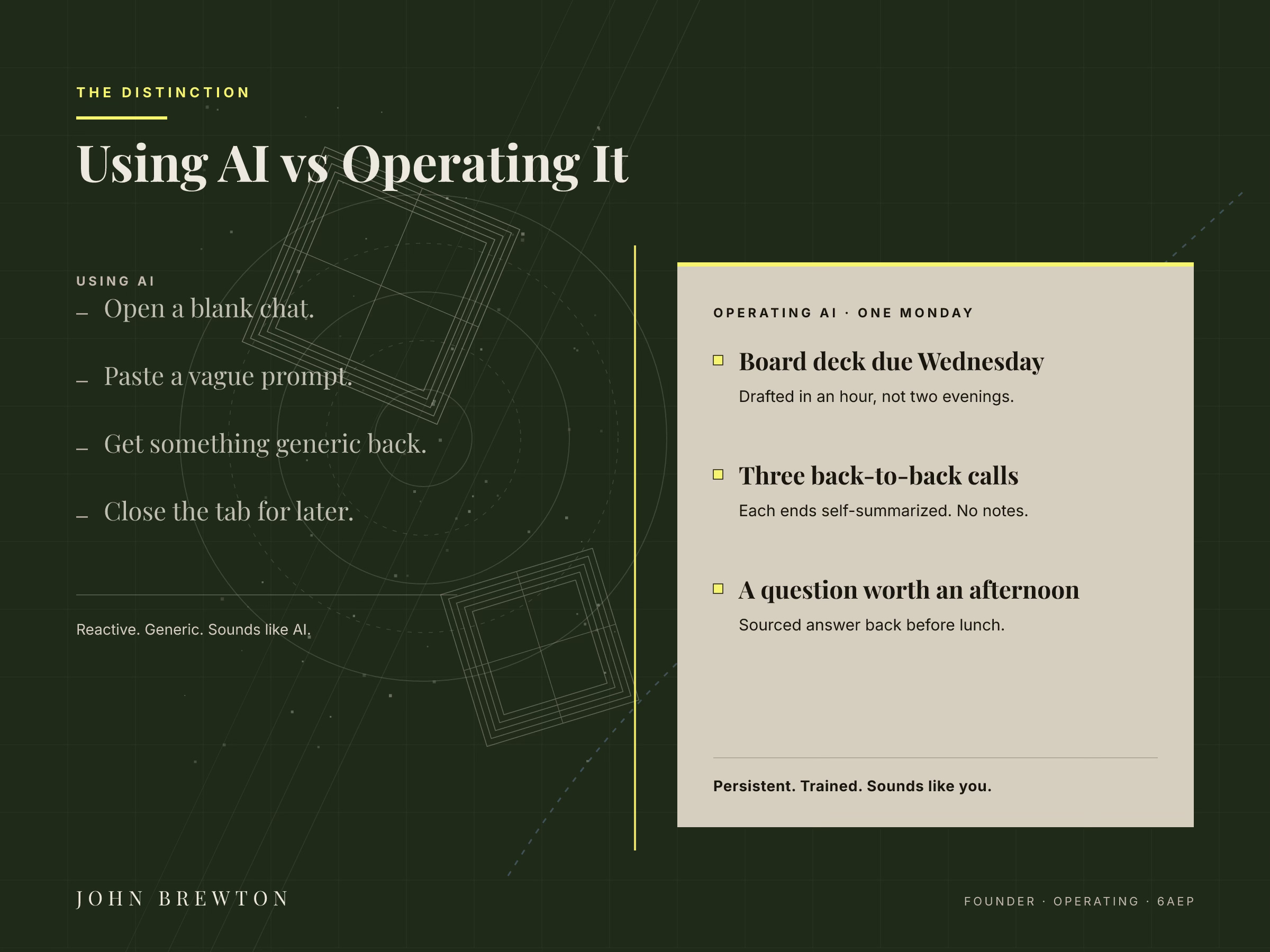
Using AI is simple. You open it, ask a question, and close it. The answer sounds flat. The tool knows nothing about you.
Operating AI is different. You build something that stays. You teach it your voice, your job, and your rules. Then you run it like a teammate who already knows your standards.
Here is a typical Monday for a person who built their staff:
A big slide deck is due on Wednesday. It gets drafted in an hour, not over two nights. Three calls run back-to-back.
Each one ends with the notes, the choices, and the next steps already written.
A question that used to eat up an entire afternoon comes back with a sourced answer before lunch.
That is not a dream. That is what the right setup does.
What is an AI employee?
An AI employee is not a prompt you copy from Reddit or copy and paste from a LinkedIn post. It is a setup built for one job inside your team and workflows. You engineer it one time. It runs the same way every time. You adjust and tweak, but do not ever need to rebuild.
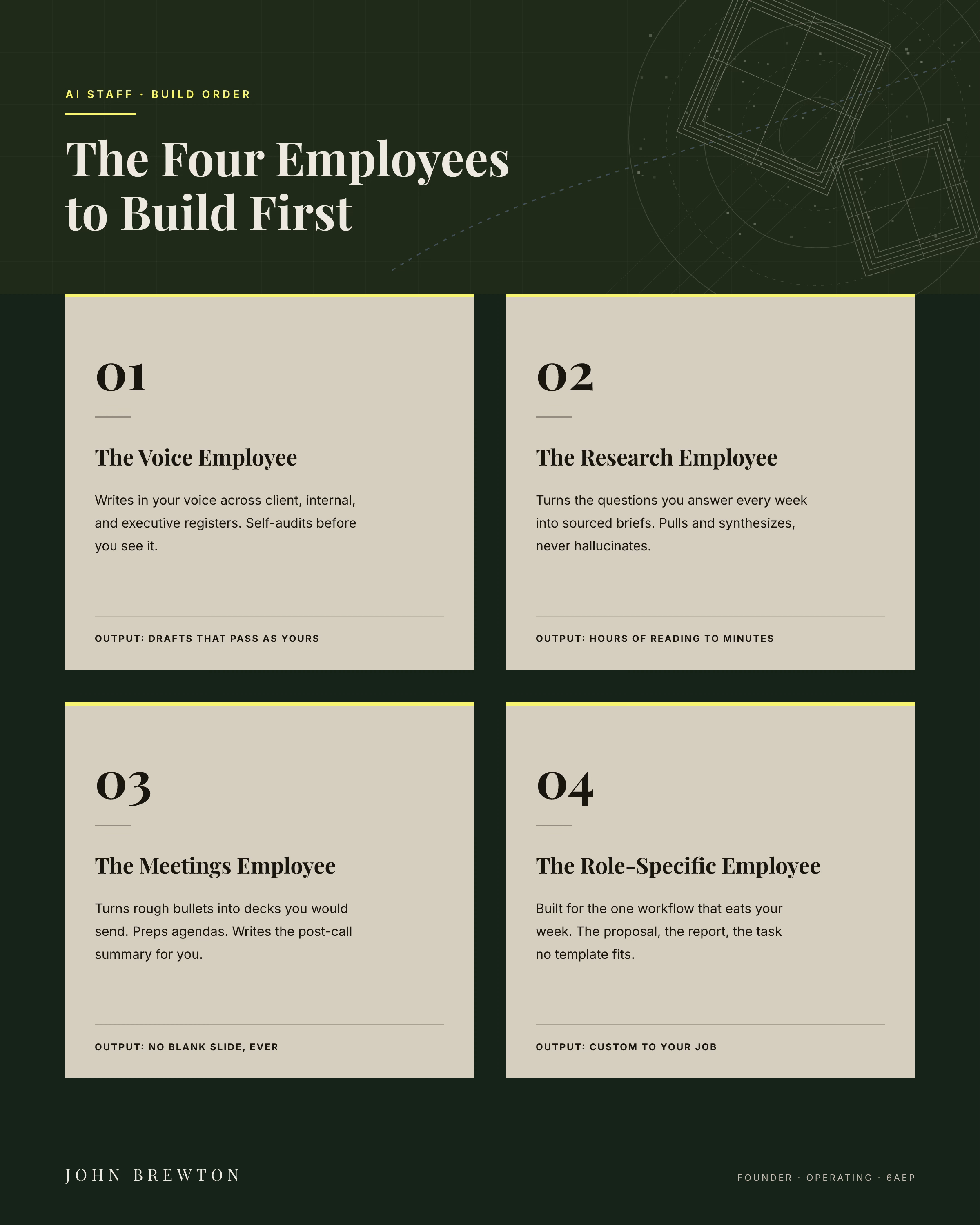
These are the four most worth building first:
The Voice Employee writes like you. You train it on your real emails and posts. It can write to a client, to your team, or to your boss, each in the right tone. It checks its own work before you see it. Done right, no one can tell you used it.
The Research Employee gets you ready. You give it the questions you ask every week. It pulls real facts, sorts them, and hands you a short report with sources. It preps you before any meeting that matters.
The Meetings Employee kills the blank slide. You give it your rough notes. It hands back a clean deck you would actually send. It writes the agenda. It turns your call notes into a summary. Every meeting ends with the work already done.
The Role-Specific Employee is yours alone. You have one task that eats hours it should not. A report. A proposal. A weekly grind. No template fits it. You build this one around your real job.
Connect With Me On LinkedIn
Why do most people get AI wrong?
Most people stay stuck for one reason. They think of AI as a tool. Tools are passive. You pick them up, use them, and put them down.
An employee is different. It carries what it knows. It knows your standards. It knows what you would say no to. You do not explain yourself again every time.
Change that one idea, from tool to employee, and everything changes. How you build it. How you talk to it. What you expect to receive back.
Consulting Perspective: This is one of the biggest mental hurdles I see inside my clients’ companies. Individuals struggle to provide enough direction, detail, and specificity when they’re prompting one of the models to perform a taks, or within the build process for the engineering of their agent.
When you make the jump to looking at the AI as a new hire, a talented, smart analyst, and begin providing said analyst with all of the context, reference materials, and clear direction that you would to any team member you were asking to produce high-quality work product, that is when the quality of the results, the outcomes, and the strength of the builds you are engineering, dramatically improve.
The primary apps are not hard to use. Claude is strong in long writing and voice. Perplexity is built for research with sources. ChatGPT does a little of everything very well and is currently the cat’s meow for image generation. Gemini sits within Google, where many people already work, and has a unique capability to help with management and team-dynamics queries. You do not need to master one. You need to know which one to grab, and why.
Are most people actually good at AI?
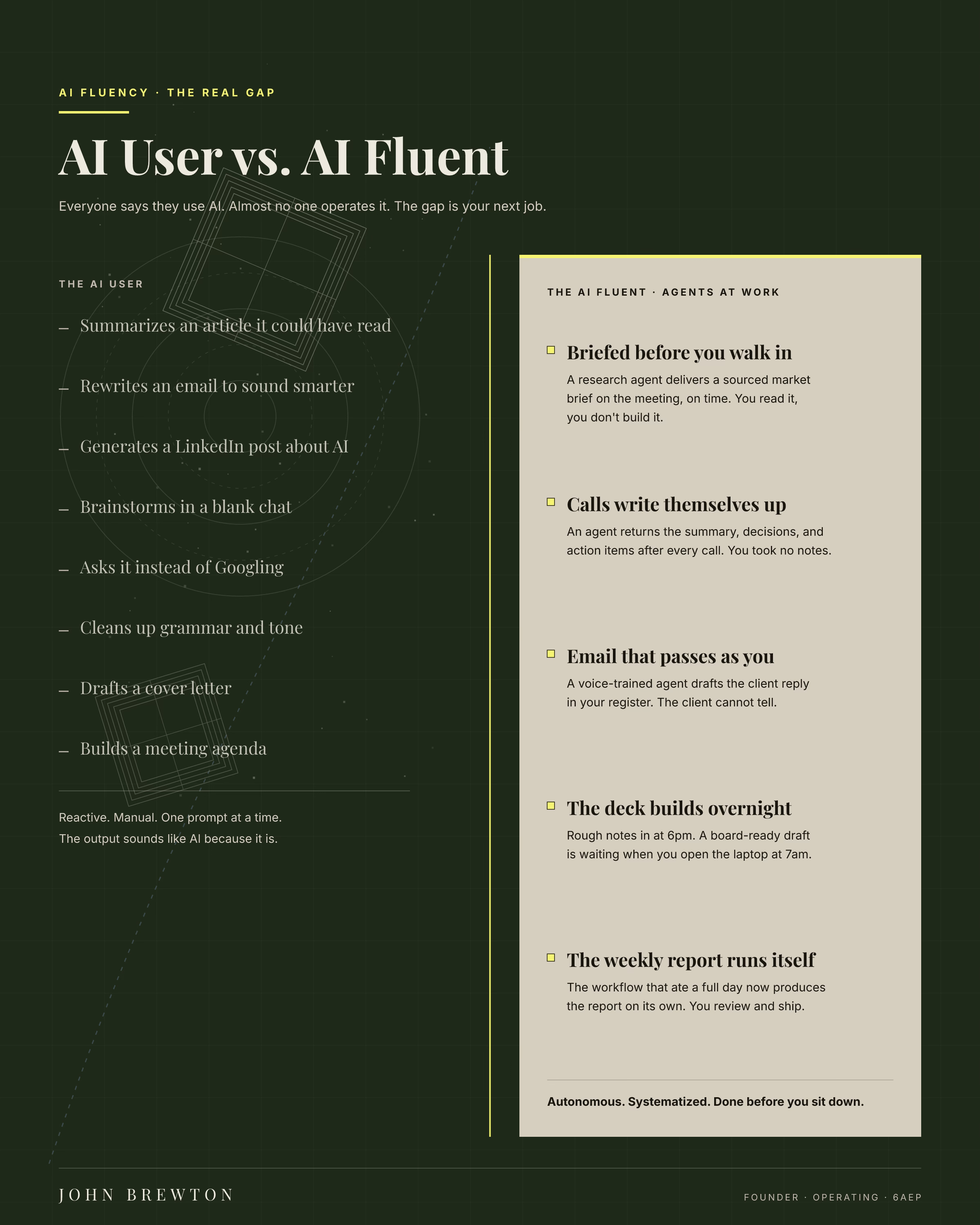
Here is the hard part. Most people in your meetings are faking it. They put “AI” in their slides. They say they are “trying the tools.” They paste prompts into free accounts and take screenshots of the results.
The gap is getting larger. You can see it in who writes the clearest report the fastest. Who shows up to the meeting with the work done? Who gets more done without longer hours? That person, most likely, quietly built their staff.
The most costly move right now is to wait until it is obvious. By the time the gap is loud, it has already cost you.
How do I start building my AI staff?
You can build your staff this summer. Do it before the calendar fills and the year resets. Do it before a skill gap turns into a career gap.
Start with the Voice Employee. Train it on 10 to 15 real things you have written. Tell it what you never say. Tell it how you sound when you are rushed. Tell it what “clean but not stiff” means for you. Run 30 drafts before passing judgment.
What are the AI staff kits?
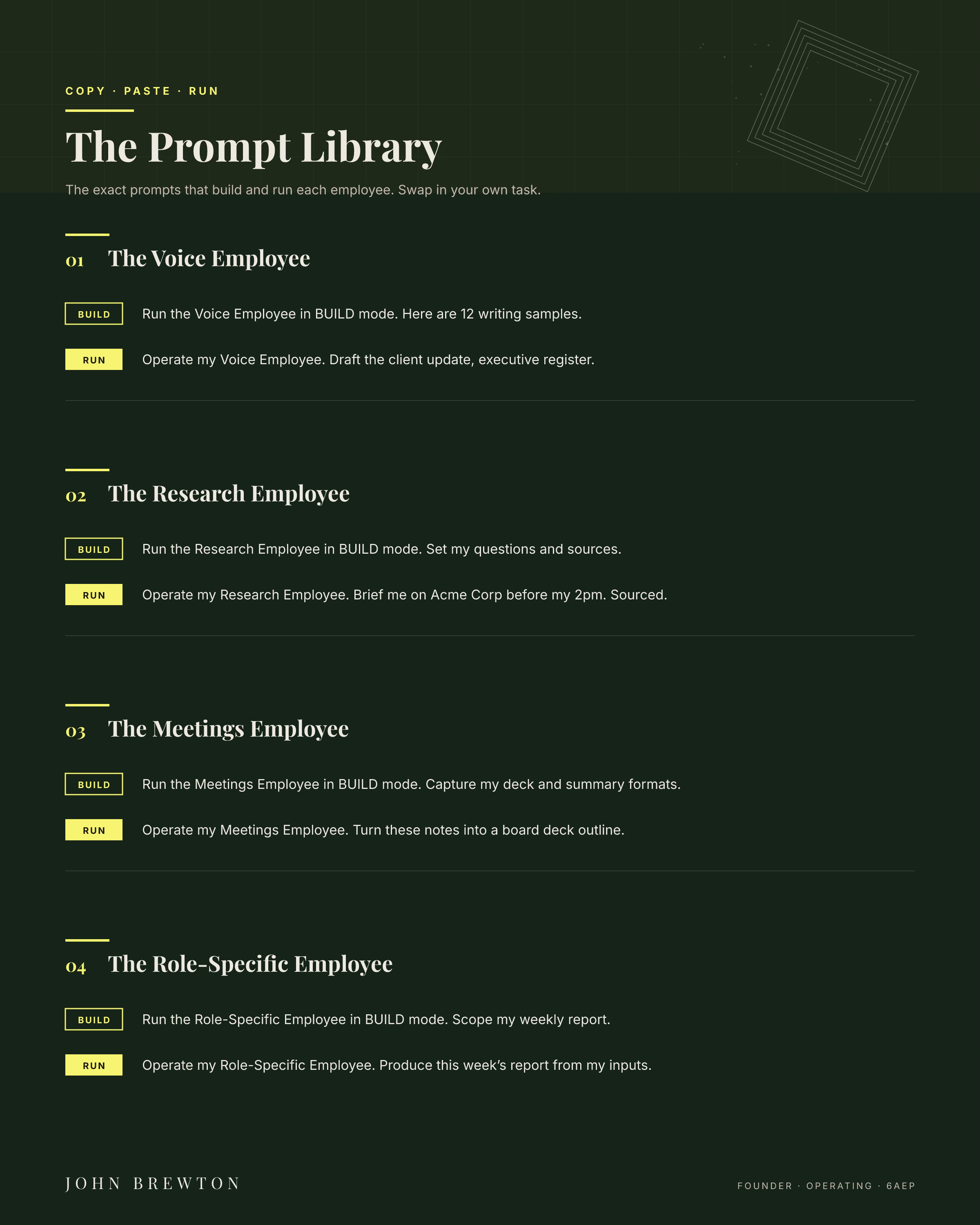
I built the four employees as kits so you do not have to start from scratch. One kit per employee: Voice, Research, Meetings, and Role-Specific.
A kit is a skill file. It holds the steps that run the job, the notes that carry your standards, and a template for the output. That is the gap between a prompt you retype and an employee who already knows the work.
Each kit has 2 modes. BUILD sets up your profile the first time. Your profile is the file that holds what the kit learned about you. OPERATE runs the job at your standard after that, and checks its own work before you see it.
How do I install and run the kits?
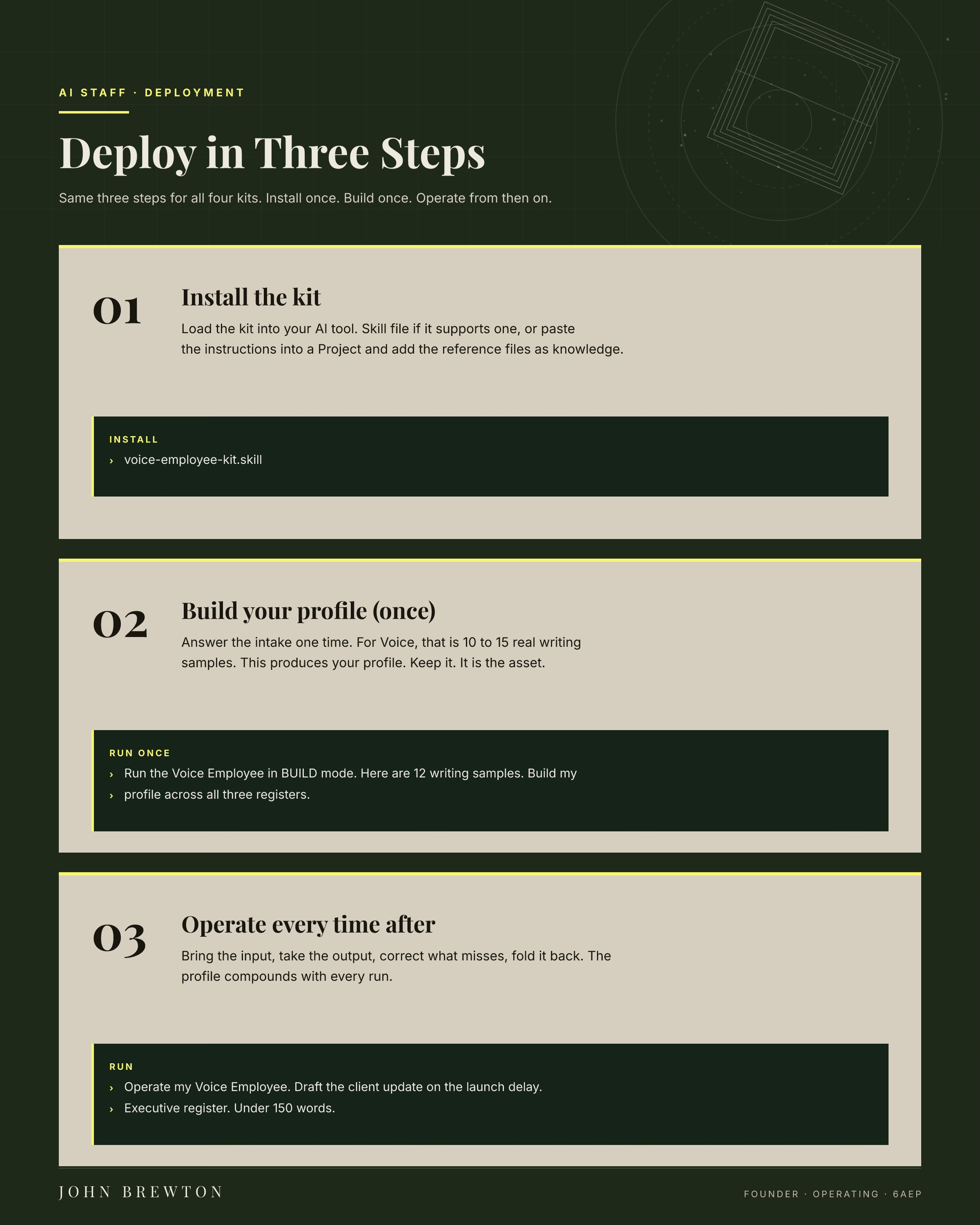
First, install it. If your app takes skill files, load the kit. If your app uses projects instead, paste the steps into a project and add the notes as files.
Second, run BUILD one time. Answer the questions. For Voice, that means 10 to 15 writing samples. For Research, your weekly questions. For Meetings, your formats. For Role-Specific, the one task worth it. This makes your profile. Keep it. It is the part that matters most.
Third, run OPERATE from then on. Give it the input. Take the output. Fix what missed. Save the fix back into the profile. It gets faster each time.
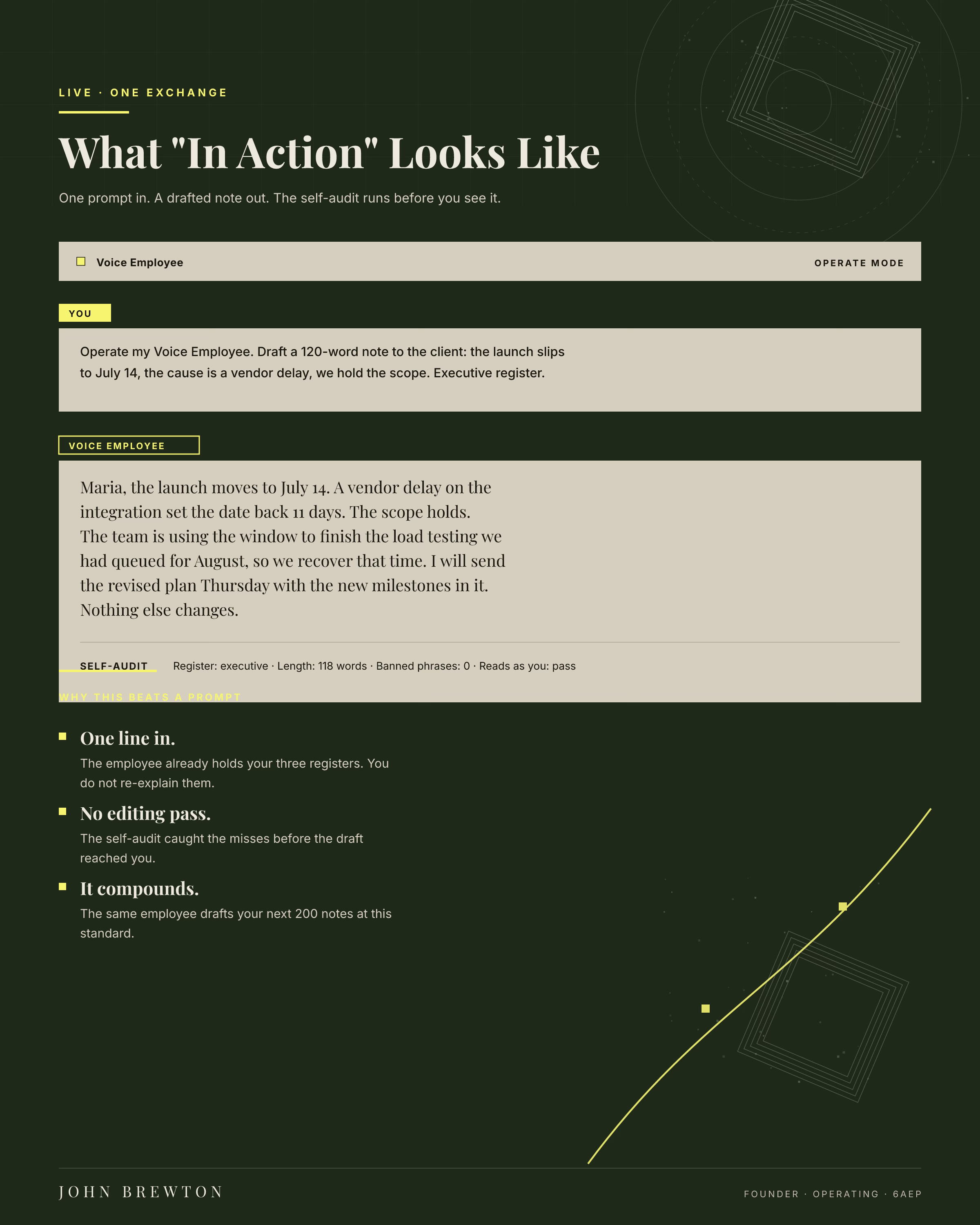
Start with the Voice Employee. Build it this week. Run 30 drafts before you judge it. Then add the next one. Each one makes the next build faster, because the work you did once carries over.
That is the whole setup.
Why does my AI output still sound generic?
The build misses in 2 ways. Both are quick to fix.
The skill does not run. The app only uses a skill when the description tells it when to. If nothing happens, just say it: “Use my Voice Employee to draft this.” Then check two switches. The skill and code tools are turned on in settings. One of those is almost always the cause.
The output still sounds robotic. That is a thin profile, not a broken tool. Add 5 more writing samples. Use the ones you wrote in a hurry. Make the “never say” list longer. Name 3 phrases you would never use. Run 10 more drafts. It gets sharp from your fixes, not from the first try.
When the output misses, fix the profile, not the prompt. The prompt stays the same. The profile is the part that learns.
Want me to build it with you?
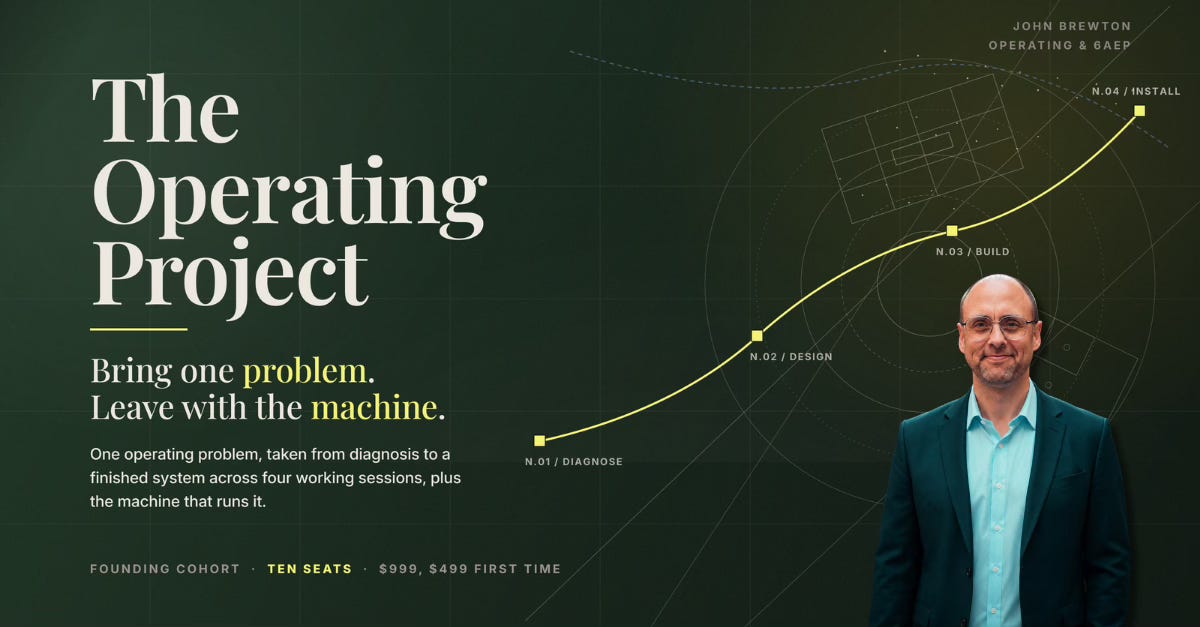
We take one problem in your business and finish it across four sessions. You pick the problem: your pricing, your brand, your content plan, or one issue inside a company you already run. We name it, we plan it, we build the machine inside Claude or ChatGPT, and we put it to work on real tasks.
It normally sells at $999. The first 10 seats are $499, half off. Each seat includes a full year in the Operating Founders community in Skool and weekly Friday office hours. You can run your four sessions any time through December 31, 2026.
Frequently asked questions
Do I need to know how to code?
No. You do not write code. You answer questions and paste in samples. The kit does the rest.
Which AI app should I use?
Any of the big ones works. Claude is great for writing and voice. Perplexity is great for research. ChatGPT and Gemini both work too. Pick one and start.
How long does it take to build the first one?
About an hour to set up the Voice Employee. Then run 30 drafts to make it sharp. You can do it in a week of short sessions.
Is this safe with my private writing?
Your profile lives in your own account. Only load kits from people you trust. Read the files before you turn them on.
What if the output still sounds robotic?
Add more writing samples and a longer “never say” list. Fix the profile, not the prompt. It learns from your fixes.
How much does it cost?
The kits are free. A paid AI plan runs about $20 a month. A free plan is enough to start.
Do I have to build all four at once?
No. Build the Voice Employee first. Add the others when you are ready. Each one makes the next faster.
What is the difference between a prompt and a kit?
A prompt is one message you retype. A kit is a saved setup that already knows your job and runs the same way every time.
Where do I get the kits?
Have a look at the Field Guide here and then become a paid subscriber to access all of the skill kits and files below.
