The best AI model in one financial-modeling benchmark edits 89.69 percent of the correct cells.
It gets only 34 percent of the final answers right.
That gap explains the problem with most AI spreadsheet workflows.
The model can make a lot of plausible-looking changes. It can move quickly. It can even appear productive. But none of that guarantees that the final answer is correct, traceable, or safe to use.
That is why I spent this morning building a 17-page spreadsheet operating system instead of writing another “better” prompt.
I did not build one all-purpose spreadsheet agent.
I built a five-role team.
Here is how I got there.
Watch my live loom recording of the process here.

First, Understand What the Workbook Is
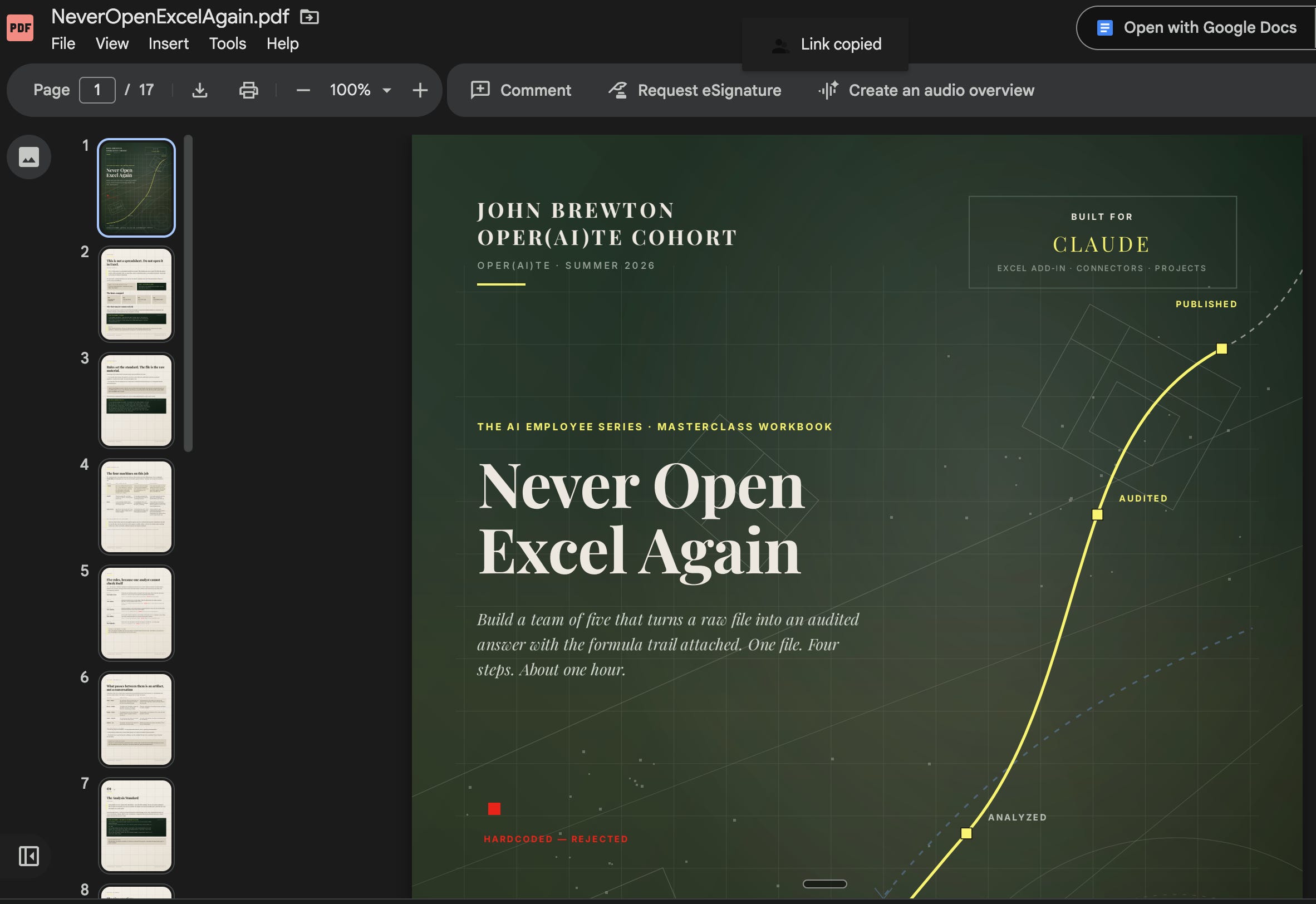
Before I explain the research or introduce the five roles, it is worth explaining what I mean by a workbook.
This is not a workbook in the traditional sense.
It is not a document you print, complete by hand, and place in a binder. It is also not simply a collection of prompts.
The workbook is a system of instructions that the AI reads and then uses to interview you. You upload it into a new working session and ask the model to walk you through it. The model follows the rules inside the workbook, asks you a structured series of questions, and collects the information it needs to build a working AI team around the way you actually operate.
That distinction matters.
Most generic AI workflows begin with a finished prompt. Someone else decides how the work should be done, packages those assumptions into a template, and hands it to you.
The workbook begins one step earlier.
It helps the model learn how you need the work to be done before it starts building anything. For spreadsheet work, that means collecting details such as:
The types of analysis you perform
The workbooks and files you regularly use
The outputs you need to produce
The formulas and modeling standards you expect
The software and data sources involved
The assumptions that must always be stated
The controls required before work can be published
The recurring tasks that may eventually be scheduled
The result is not one enormous prompt that tries to anticipate every possible spreadsheet request.
The result is the infrastructure needed to handle many different requests consistently.
Why the Workbook Is Built Around Questions
The quality of an AI system depends heavily on the quality of the context behind it.
But most people do not naturally provide that context in one clean, complete prompt.
They leave out details because those details feel obvious to them. They forget to explain how a file is organized, which source should be treated as authoritative, what level of precision is acceptable, or what must happen before an answer can be shared.
Those omissions become failures later.
The workbook is designed to prevent that by turning system design into a guided conversation.
Instead of asking you to sit down and write a complete operating manual from scratch, the model asks one question at a time. Your answers become the raw material for the skills, role instructions, rules, checklists, and scheduled tasks that the team will use.
This makes the process more accessible, but it also makes it more rigorous.
The questions force decisions that a loose prompt allows you to avoid.
What is the team responsible for?
What is outside its authority?
Which files must it inspect?
Which software must it use?
What must it produce before another role can begin?
What conditions should stop the workflow?
How should the final work be checked?
By the end, the model is no longer guessing what “good spreadsheet work” means to you. You have defined it.
Why the Instructions Live in a Workbook
I use a workbook because the system needs to be portable, repeatable, and visible.
A good conversation with an AI can produce excellent work once. But conversations are easy to lose, difficult to audit, and hard to reproduce with another person or in another session.
The workbook gives the process a durable structure.
It contains the questions to ask, the order in which to ask them, the rules that must be followed, and the outputs that should be created from the answers.
That means I can upload the same workbook into a clean session and have the model run the process again without relying on the memory of a previous conversation.
It also means I can give the workbook to someone else.
They do not need to understand every decision I made while designing it. They can upload it, ask the model to follow it, answer the questions, and build a version of the system that reflects their own work.
The workbook is therefore doing two jobs.
First, it captures the operating logic behind the system.
Second, it teaches the user how to build that system for themselves.
Why the Workbook Comes Before the Team
The five roles I built are important, but the roles are not the starting point.
The workbook is.
Before the AI can build an Intake Clerk, Analyst, Modeler, Auditor, or Publisher, it needs to understand what those roles mean inside your environment.
Your Analyst may need to prioritize cash flow, while someone else’s Analyst focuses on inventory or customer acquisition.
Your Modeler may work inside Excel with files stored in SharePoint. Another company may use Google Sheets, a finance platform, and data exported from its ERP.
Your Auditor may need to reconcile every result to the general ledger. Someone else may need to compare it with a prior board report or an external data source.
The role names can remain the same while the actual instructions change substantially.
The workbook collects the information needed to make those roles specific.
It turns a general team design into your team design.
That is why I do not begin by telling the model, “Build me five spreadsheet agents.”
I begin by giving it a structured process for learning what those agents must know, what they are allowed to do, what they must never do, and how their work should move from one role to the next.
The Workbook Is the Control Layer
A useful way to think about the workbook is as the control layer between you and the AI team.
The roles perform the work.
The skills give the roles specialized methods.
The connected software, files, and data give them access to the materials they need.
The scheduled tasks determine when recurring work happens.
But the workbook defines how all of those pieces should be assembled.
It creates the instructions that govern the system before the system begins operating.
That is why I have started building workbooks for more and more types of work. They give people a repeatable way to create new AI capacity without needing me to personally design every team, skill, or workflow for them.
Once you understand how to build one, you can use the same approach for inbox management, research, financial analysis, reporting, project management, or almost any other structured knowledge-work process.
You are no longer collecting isolated prompts.
You are learning how to design the team that will use them.
Now for the process I documented for you today…
Phase 1: Research the failures
Time: 40 minutes
I began with one question:
What actually goes wrong when AI works inside a spreadsheet?
I limited the research to benchmarks and spreadsheet audits. No opinions. No productivity claims. Just documented failure modes.
Three findings shaped the entire system.
1. AI often fails because it does not inspect the workbook properly
SpreadsheetBench 2 evaluates AI agents on multi-sheet workbooks with real formulas, dependencies, and linked calculations.
The best model achieved 34.89 percent overall accuracy.
On debugging tasks, it scored just 12 percent.
The researchers identified two recurring problems:
Insufficient inspection
Incorrect target selection
In plain English, the models often failed before they started calculating.
They did not fully understand the workbook, or they changed the wrong cells.
That is not primarily a math problem. It is a looking problem.
2. AI can produce the right number in the wrong way
WorkstreamBench evaluates agents on end-to-end financial tasks.
The best agent scored 69.1 out of 100. Once the task required several chained calculations, the score fell to 53.4.
One of the most important documented failures was deceptively simple: agents sometimes pasted a correct number into a cell where a formula should have been.
The answer may be right today.
But the workbook is now broken.
Change an assumption next week, and the pasted number will not update. A reviewer cannot follow the calculation. The spreadsheet becomes a static answer rather than a working model.
Would you like to work with John?
3. Review cannot be treated as an afterthought
Raymond Panko’s field audits found errors in 91 percent of operational spreadsheets.
A single reviewer typically catches about half of the errors.
A second reviewer, working independently and using a checklist, can raise detection to roughly 80 percent.
That matters because most AI spreadsheet workflows ask one agent to inspect the data, choose the method, build the model, calculate the result, and verify its own work.
That is the spreadsheet equivalent of asking an analyst to approve their own analysis.
How I Built a $200,000 Newsletter Business From a Substack Nobody Was Reading
The Five Moves That Turned My Substack Into a $200,000 Business
The Operating Project: Most Coaching Ends With Notes. This Ends With a Machine.
How to Produce World-Class Research with Perplexity Computer & Claude -> Fable 5
Phase 2: Design the team
Time: 20 minutes
The research killed my original idea.
I had planned to build one spreadsheet employee, similar to the inbox employee I taught last month.
But the evidence pointed in another direction.
Inspection, analysis, modeling, and verification are not one job. They are separate jobs with different failure modes.
Combining them inside one large prompt does not create a capable employee. It creates an analyst checking their own work.
So I divided the workflow into five roles.
Each role has:
One primary responsibility
One artifact it must hand to the next role
One action it is not allowed to take
The Intake Clerk
The Intake Clerk profiles the workbook before any analysis begins.
It identifies the sheets, tables, formulas, inputs, outputs, date ranges, missing fields, and potential data-quality problems.
It is not allowed to calculate the answer.
Its job is to understand the environment before anyone starts changing it.
The Analyst
The Analyst decides how the question should be answered.
It defines the method, assumptions, required calculations, and level of precision before producing a result.
The rule is simple:
State the method before stating the number.
The Modeler
The Modeler turns the approved method into a live workbook.
It builds formulas, links assumptions to outputs, and creates a model that recalculates when the inputs change.
It is not allowed to hardcode a value into a computed column.
If a number is calculated, there must be a formula behind it.
The Auditor
The Auditor independently re-derives the headline number using a second method.
It checks the formulas, assumptions, units, ranges, and reconciliation gaps.
It also has the authority to stop the workflow.
If the analysis does not hold, the Auditor issues a hold.
The Publisher
The Publisher prepares the finished workbook and communicates the result.
But it cannot publish over an audit hold.
That rule is what turns the system into a team rather than five prompts pasted one after another.
Every role can reject the work it receives.
Phase 3: Build the operating system
Time: 45 minutes
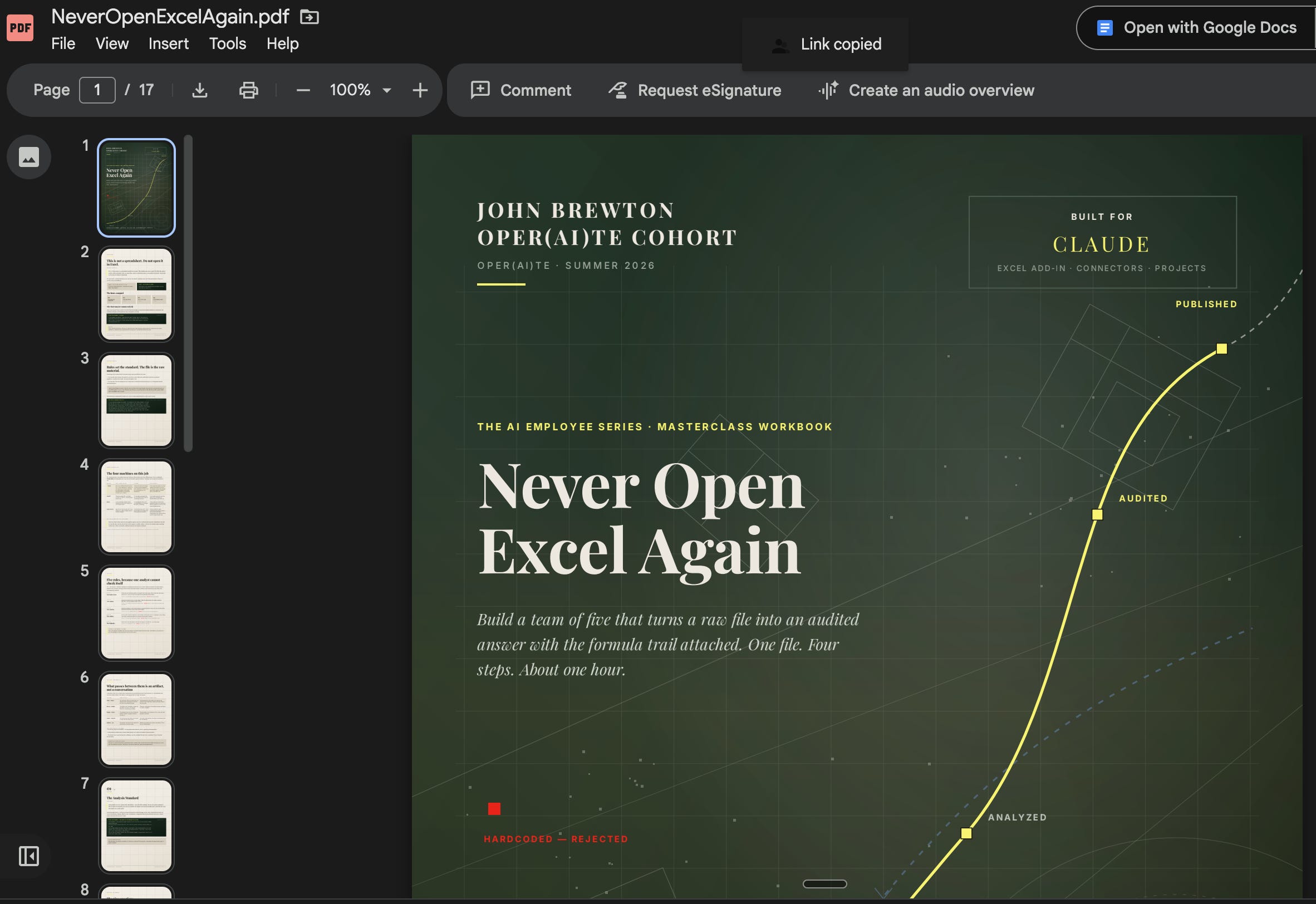
The finished workbook is 17 pages.
It includes:
Nine questions that define your analysis standards
Eight prohibited spreadsheet habits
Four prompts to run in sequence
Six reusable prompts for future analyses
The prohibited habits may be the most important part.
They include:
Pasting values into cells that should contain formulas
Reporting numbers with no supporting cell reference
Applying assumptions without stating them
Presenting more precision than the underlying data supports
Editing a workbook before profiling its structure
Publishing an answer that has not been independently reconciled
Each prohibition is paired with a replacement rule.
That distinction matters.
Telling an AI what not to do is rarely enough. You also have to define what it should do instead.
And every rule in the workbook traces back to a documented failure mode. These are not formatting preferences. They are controls.
What this system actually gives you
Most people use AI in spreadsheets because they want speed.
But speed is not the main constraint.
A fast answer with no formula trail still has to be checked by hand. That manual review is the work you were trying to eliminate in the first place.
The real opportunity is not faster analysis.
It is additional analytical capacity.
This system gives an operator access to three functions that many small teams have never been able to staff properly.
A data profiler
Someone examines the workbook before the analysis begins.
They identify what is present, what is missing, what is linked, and what may be unreliable.
A modeler
Someone builds a workbook that continues working when the assumptions change.
The goal is not a spreadsheet that was correct once. It is a model that remains useful.
An auditor
Someone independently checks whether the headline number holds.
This is the role most small finance teams do not have. It is also the role the research suggests matters most.
A private company with a four-person finance team may never have had a second analyst independently re-derive a number before it reached the board.
Historically, that verification could cost as much as the original analysis.
It does not have to anymore.
The final output is not simply a number.
It is:
The number.
The method above it.
The formulas beneath it.
And an independent check beside it.
What to try this week
Choose one analysis you completed manually last month.
Pick something where you already know the correct answer.
Then run it through the five roles in order.
Have the Intake Clerk map the workbook before making any changes.
Have the Analyst explain the method before calculating the result.
Have the Modeler prove that the headline cell contains a formula rather than a pasted value.
Have the Auditor calculate the answer a second way and report the difference between the two results.
Every place where the AI’s work differs from your manual process should become a new rule in your operating profile.
Repeat that process for a week, and the system becomes more consistent.
Then use the Auditor on the spreadsheets your team produced last quarter.
Panko found errors in 91 percent of operational spreadsheets.
There is no reason to assume ours are the exception.
Become a paid subscriber to receive the working and build your Excel team this week!
And if building this kind of AI fluency is especially appealing to you, and you want to learn everything you can in the year ahead, become an Operating Founder and join my 52-week-per-year Friday live Q&A sessions with The Operating Founder Community. We are a +200-strong group of Operators and Builders choosing a new vision for our futures.
Download the workbook to build your Excel team below.